The Home Server Show Podcast Episode 64

home_server_show_small

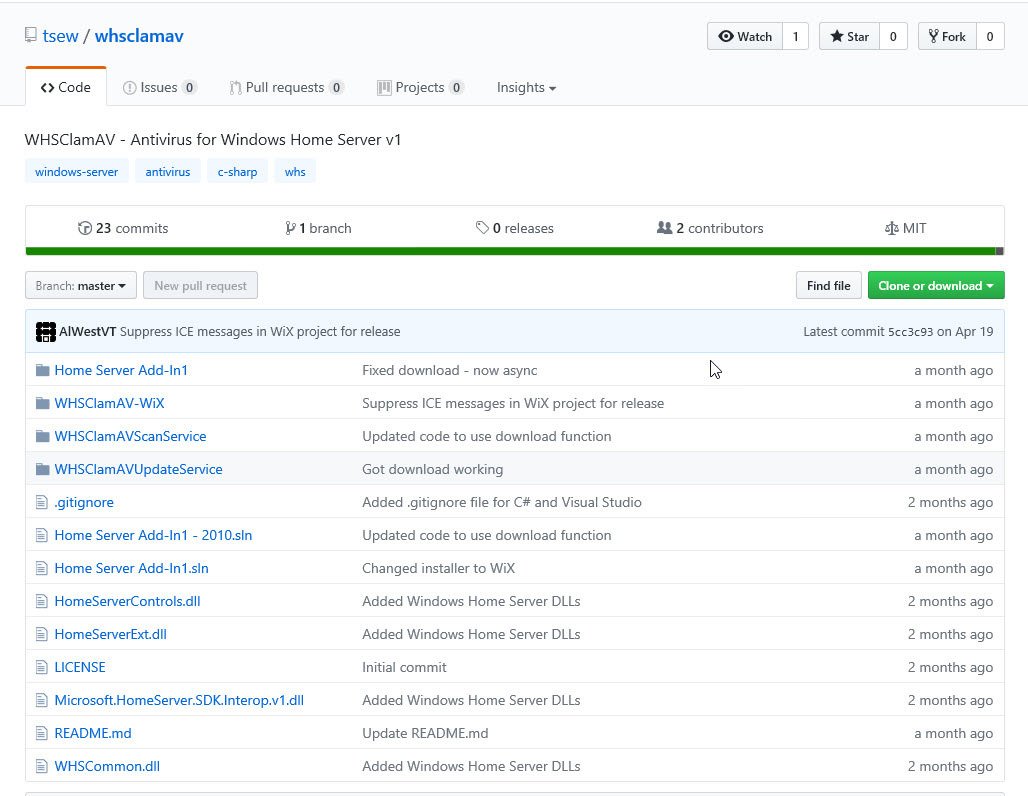
Episode 64 of The Home Server Show podcast is up with the latest news and chat about antivirus protection on Windows Home Server, a home build in a 20 bay Norco case and lots more.

Listen in here.

69.png

AddThis Social Bookmark Button

Dell Inspiron Zino HD for WHS?

The Dell Inspiron Zino HD is a small 8" by 8" desktop computer with 4 external USB 2.0 ports and 2 eSATA connectors. Comprising an Athlon Dual-Core processor and up to 8GB of RAM it is a contender for a home build Home Server, although it only has space for one internal SATA II hard disk.

Inspiron Zino HD

With 2GB of RAM with a 1TB hard drive the unit works out as $379, although prices start at $229.

More details on the Dell Inspiron Zino HD are available from here, CruchGear also has an article on the 5 best uses for the $229 Dell Zino HD.

69.png

AddThis Social Bookmark Button

Acer Aspire EasyStore Video Review

The ComputerTV video network takes a look at the Acer Aspire EasyStore Home Server.

In this 6 minute video, the EasyStore is taken a good look at, and is worth a look if you are thinking of purchasing one.

69.png

AddThis Social Bookmark Button

Share WHS with Samba Easily

If you stream from your Windows Home Server shared folders to any media player via smb (such at the Popcorn Hour or Myka) you can only mount 1 share at a time. Meaning you will have to create a separate smb share for each shared folder and you will only be able to access one share at a time on your media player.

But MediaSmartServer.net has a post with a solution which allows all your WHS shared folders to appear under one smb share, which you can read here.

69.png

AddThis Social Bookmark Button

Windows Home Server – A Solid 9 out of 10

Website "Major Arcana" is about the rantings of 2 anime tech geeks who this week take a look at Windows Home Server and the Acer Aspire Easy­s­tore H340.

The guys give Home Server a solid 9 out of 10 and point out the products good points as well as its bad ones too, which you can read about here.

69.png

AddThis Social Bookmark Button

homeserver.com Domain Hiccup

On Tuesday (10th Nov 09) Windows Home Server users were receiving the following error in their Home Network Health tab within the Console:

Windows Home Server was unable to update Windows Live Custom Domains with your current IP address. Your web site may not be available on the Internet.

This was due to a problem with the Windows Live Custom Domain service, a spokesperson for Microsoft had this to say:

Today the Live DNS service had a hiccup that prevented updates for records on the .homeserver.com domain name.  Thus if your WAN IP address changed on your router, the home server was unable to update this record, and remote access was not available.  This may have been accompanied with an alert from the home server.  If your WAN address did not change during the last 24 hours, remote access was unaffected.

The issue is now resolved and the Live DNS service is now 100% functional again.

69.png

AddThis Social Bookmark Button

Add-In: My Movies for Windows Home Server 1.50 Build 9

My Movies for Windows Home Server has been updated to version 1.50 Build 9 to fix a problem with the playback of images.

My Movies for WHS MyMusic Settings

My Movies for Windows Home Server allows you to create a copy of your DVD/CD collection onto your Home Server.

More details are available from here.

69.png

AddThis Social Bookmark Button

Should a Small Business Choose Foundation Server or WHS

With Windows Home Server being used more in the SOHO space, journalist Mary-Jo Foley asks:

So which should a small business user choose: Foundation or WHS?

Although Foundation Server does allow up to 15 users, it is not a “media” server as Windows Home Server is. So I know what I shall be choosing!

You can read Mary-Jo’s report here.

69.png

AddThis Social Bookmark Button

Backup Strategy – From a Panic Model to WHS

Microsoft employee Raymond Chen gives his experiences of Windows Home Server. From going from a "wait until it breaks, and then panic" model to an Acer Aspire EasyStore H340, Raymond now randomly selects a file from a backup just to make sure the backups are working – Which of course they are.

69.png

AddThis Social Bookmark Button

Unlimited Free Local and Long Distance Phone Calls from WHS

HomeServerLand have a tutorial on how to setup a magicJack on Windows Home Server.

magicjack

magicJack is a little USB device which allows you to make unlimited free local and long distance phone calls within the US and Canada, and allows you to choose your own phone number and provides call waiting, voice mail and caller ID.

The tutorial goes through the magic behind the device and why magicJack your Windows Home Server in the first place. The tutorial along with troubleshooting tips is available here.

69.png

AddThis Social Bookmark Button