By Philip Churchill on September 10th, 2008
Setup an Email Server on Windows Home Server
If you would like to set up an email server on your Windows Home Server which also gives you the ability to use your Microsoft given WHS hostname as your email address (yourname@xxxx.homeserver.com), then we can lead to to a guide.
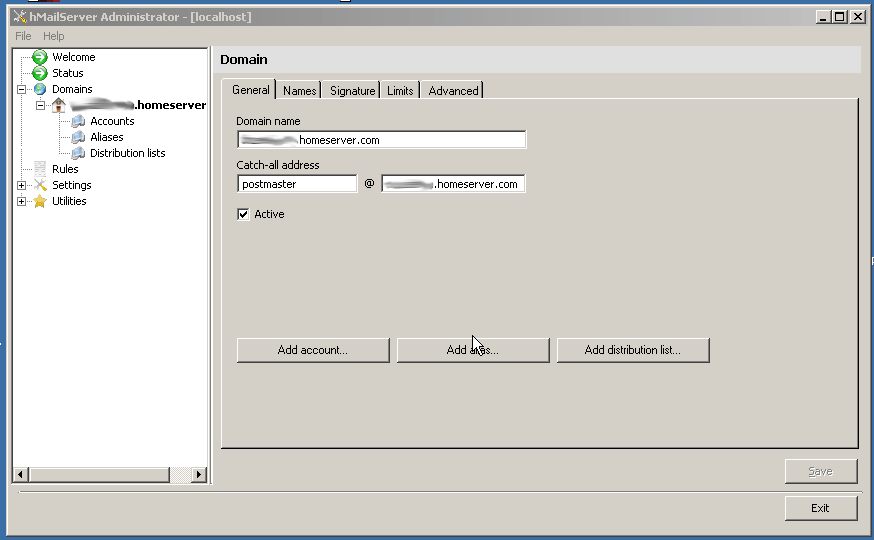
Joe DiFiglia lists all the steps necessary using the FREE version of the software hMailServer over at his web site computing.on.demand, which you can read here.
Share this WHS Article with Others:




Thanks for the post guys. If anyone has any questions about this, they can visit our forums using the direct link: http://forums.computingondemand.com/index.php?showtopic=10498
I see that hMailServer supports ClamWin antivirus. Can I install that application on my WHS as a service?
doesn’t this web site has other languages support??
I just received an email from hMailServer.com saying:
“You are receiving this email message because you have subscribed to hMailServer newsletter on http://www.hmailserver.com. If you wish to unsubscribe or change which newsletters you are subscribed to, please go to http://www.hmailserver.com.
A security vulnerability has been found in hMailServer PHPWebAdmin which makes it possible for attackers to gain remote access to the system running PHPWebAdmin. More information can be found here:
http://secunia.com/advisories/32597/
If you are using PHPWebAdmin, it is strongly recommended that you temporarily disable it until this issue has been patched and only enable it again after an upgrade to the patched version has been made.
You will receive a notification on this mailing list when a patch has been made available.
hMailServer.com”
Do you know how do I disable PHPWebAdmin? I don’t remember seeing it in the installation process.
Hi All
Interesting this one, followed the link to the install guide and it has just the bare minimum of information. Not to be put off I got the mail server installed on WHS and tested it.
findings
1. it is very easy to use this server as an INTERNAL mail server on your LAN
2. not so easy to use it to send mail externally eg. gmail blocks any posts sent from the server as it not authorised. The only way around that one is to send through your own ISP’s smtp server.
3. If you do not have a fixed ip you are going to need a dynamic IP name that supports mx records (no-ip does this)
4. When I read the posts on the forum there was just way to much “read the instructions” when clearly less experienced users were having problems with the whole deal.